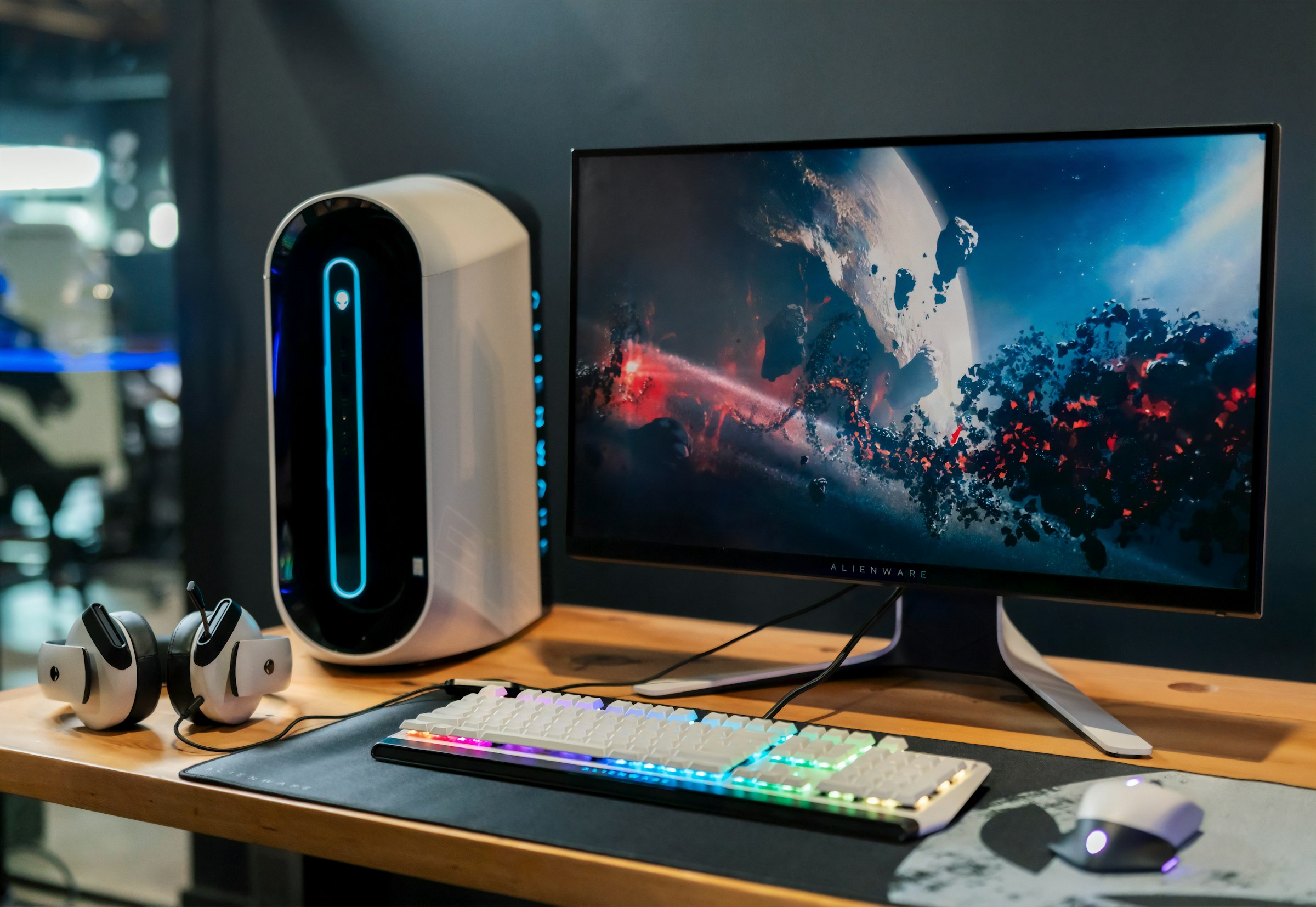
This is the desk where streams, reviews, and late-night sessions actually happen — built around an Alienware 16 Area-51 and a curved Alienware ultrawide so the whole station stays on-brand without needing a full tower.
Why this layout
The Area-51 handles game + capture load as a desktop replacement. The 34″ ultrawide is the main canvas; the laptop’s 240 Hz panel sits beside it for chat, OBS, or reference. Cam faces the seat with the Kiyo V2 ring light ready when the stream light flips on.
Gear list
What’s on the desk
Specs pulled from the live machine — not a wishlist.
01 · Brain
Alienware 16 Area-51
AA16250 · Desktop replacement
- CPU Intel Core Ultra 9 275HX (24-core)
- GPU NVIDIA GeForce RTX 5070 Ti Laptop · 12 GB GDDR7
- RAM 64 GB DDR5
- Panel 16″ WQXGA 2560×1600 · 240 Hz
- OS CachyOS (Arch) · KDE Plasma / Wayland
02 · Screens
Dual Alienware look
Ultrawide + laptop stack
- Primary Alienware AW3425DWM · 34″ curved · 3440×1440 @ 180 Hz
- Secondary Built-in Area-51 panel · 2560×1600 @ 240 Hz
- Layout Ultrawide left · laptop right
- HDR / sync DisplayHDR 400 · AdaptiveSync / FreeSync Premium
03 · Storage
~4 TB total
Internal NVMe + portable SSD
- Internal SK hynix 2 TB NVMe (PCIe)
- External Samsung T7 2 TB USB SSD
- Role Games / media on NVMe · overflow & backup on T7
04 · Capture
Razer Kiyo V2
Stream face cam · USB
- Model Razer Kiyo V2 (detected live)
- Job Facecam for streams and call-ins
- Why Built-in ring light, fast autofocus, plug-and-stream
How it runs day to day
Gaming and recording stay on the Area-51’s discrete GPU. The ultrawide carries the main game or edit timeline; the laptop screen keeps chat, Discord, and stream controls visible without overlay clutter. When it’s time to go live, the Kiyo V2 is already in the USB chain — no hunting for a spare port mid-warmup.
Still evolving
Cable management never stays finished, and the mic / lighting chain will get its own write-up later. This page is the hardware snapshot: Alienware silicon, Alienware glass, Kiyo on cam.